
The Hamburger section allows you to customize the mobile and responsive navigation menu in WorkPress.
Go to Appearance → Customize → Hamburger
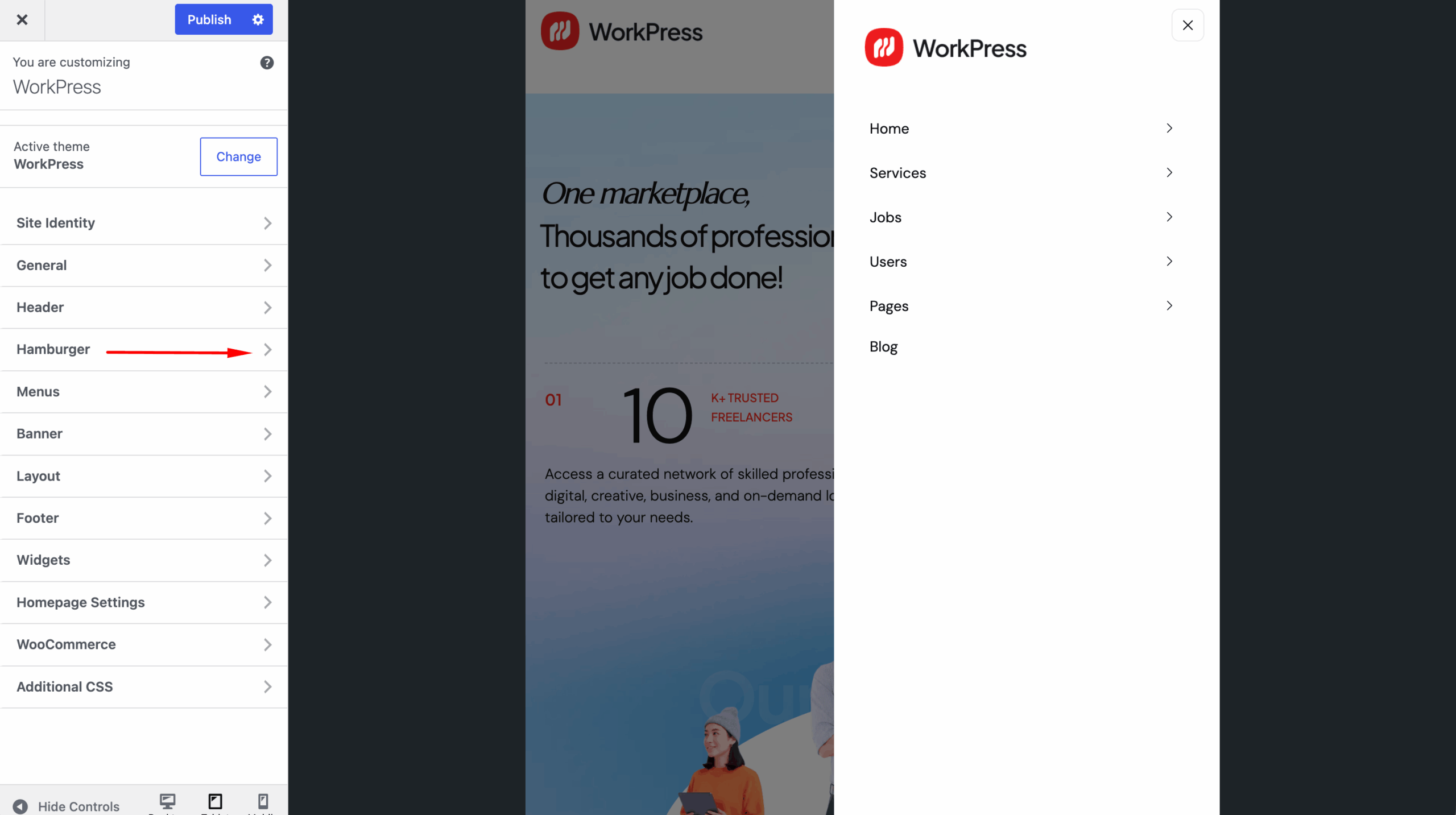
You can configure:
- Toggle — Customize the hamburger menu toggle button.
- Layout — Configure the mobile menu layout.
- Close — Customize the menu close button.
- Logo — Add or customize the logo displayed in the mobile menu.
- Menu — Configure the mobile navigation menu.
- Submenu Icon — Customize the submenu indicator icon.
- Back Menu — Configure the back navigation option for submenus.
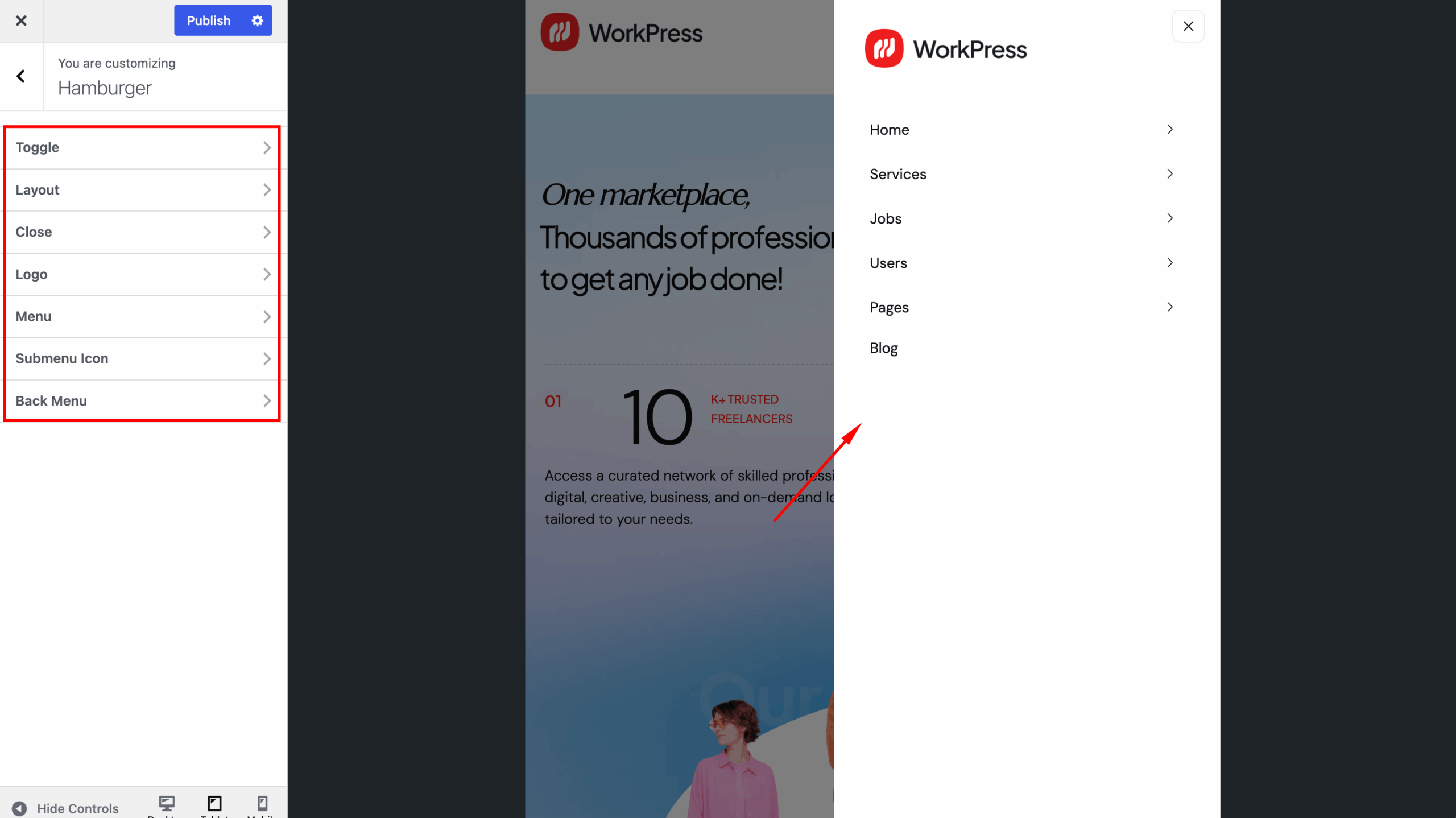
Use the live Customizer preview to check your changes on responsive layouts.
After completing your settings, click Publish to save the changes.