
The General section lets you control the main design and common settings across your WorkPress website.
Go to: Appearance → Customize → General
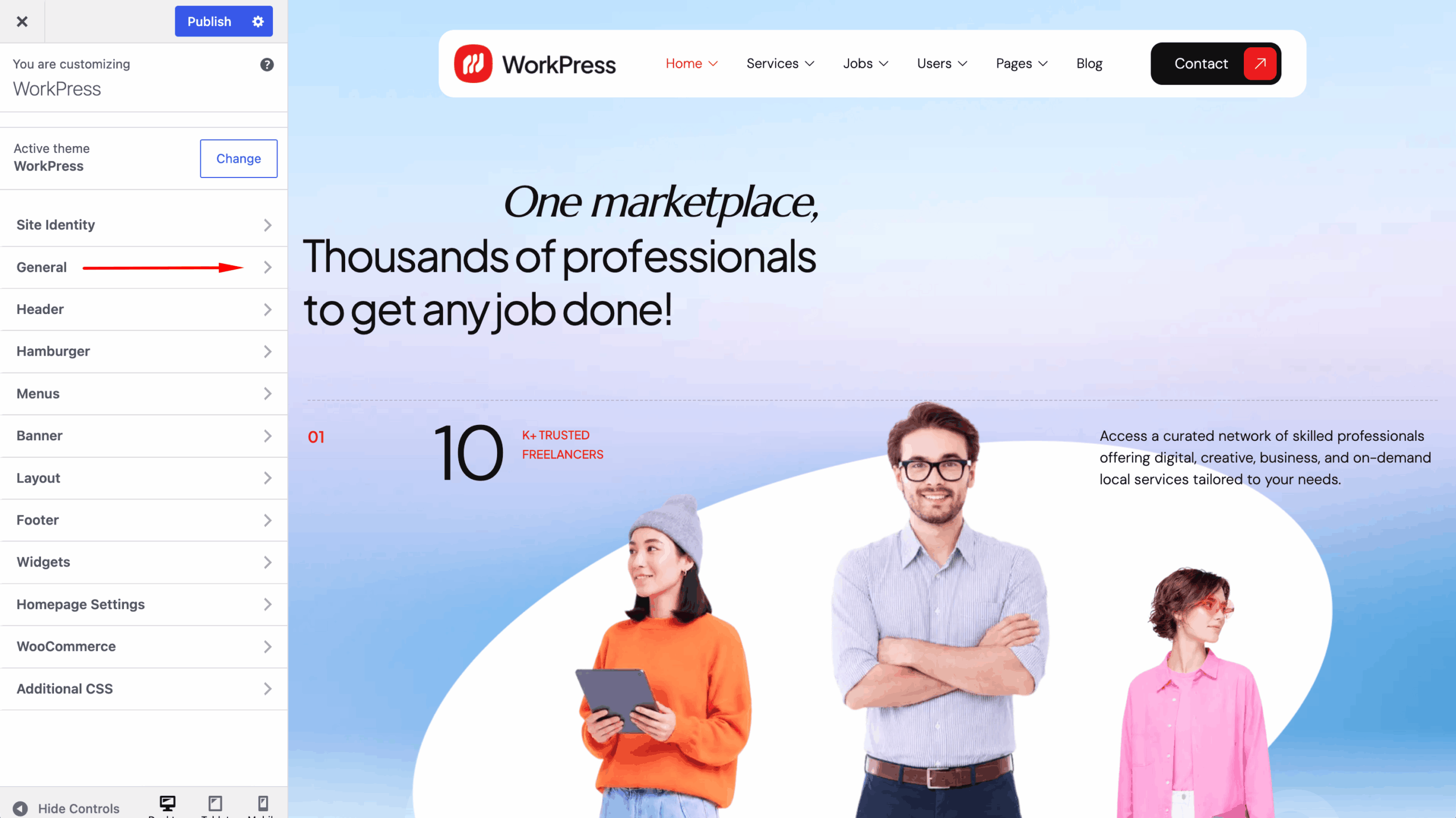
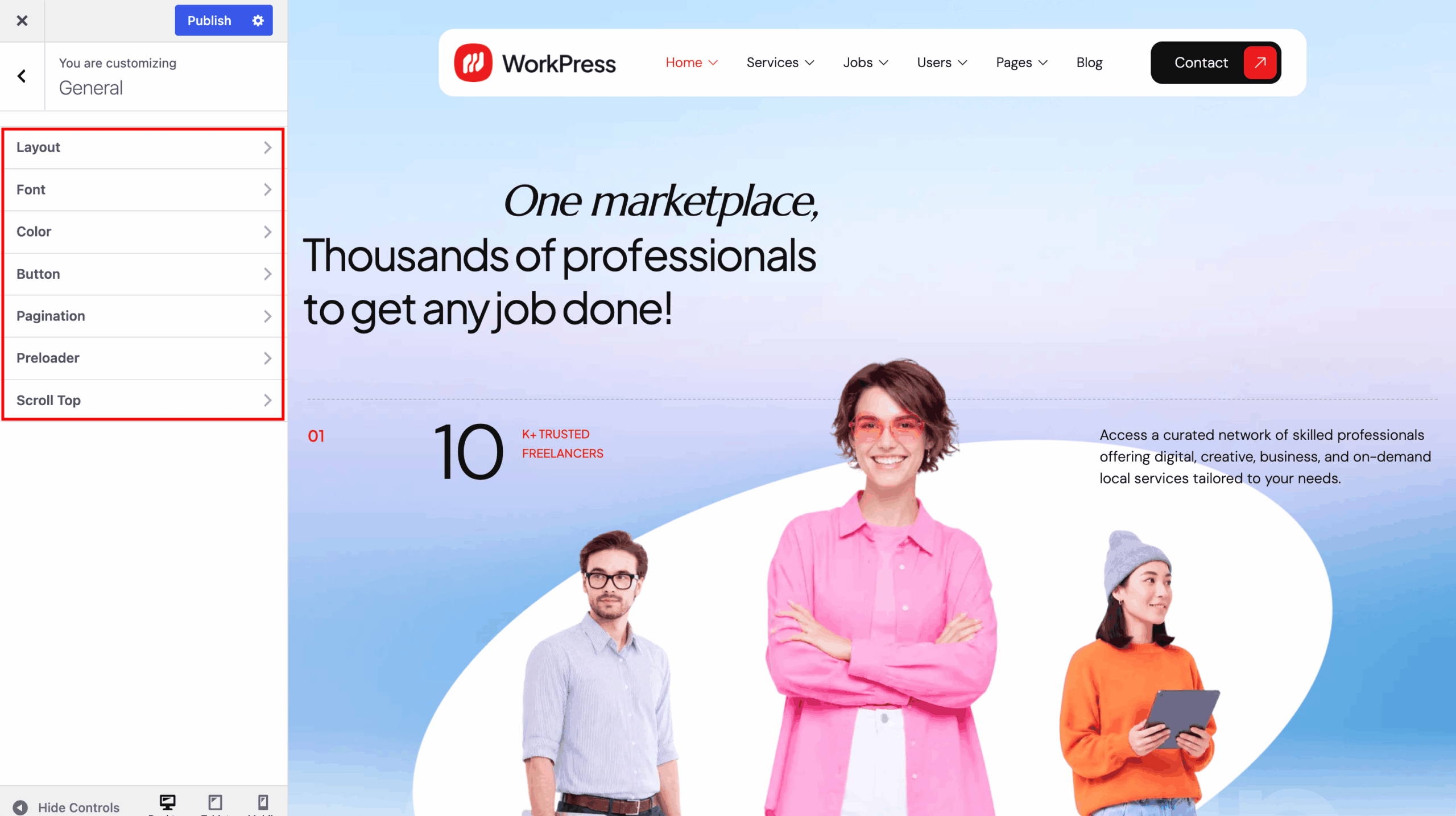
The available options include:
- Layout — Configure the general website layout.
- Fonts — Customize the typography used across the website.
- Color — Set the primary and general theme colors.
- Button — Customize button styles and appearance.
- Pagination — Configure the pagination style for listing pages.
- Preloader — Enable and customize the website loading screen.
- Scroll Top — Enable the scroll-to-top button for easier navigation.
After making your changes, use the live preview to check the result and click Publish to save your settings.