
WorkPress uses the Gigneo marketplace engine to power its marketplace features. Gigneo also provides appearance and layout options for customizing how marketplace content is displayed.
The appearance options can be used to customize the presentation of marketplace areas such as services, jobs, profiles, and other marketplace elements.
To access the available options, log in to your WordPress admin dashboard and navigate to Gigneo → Settings → General.
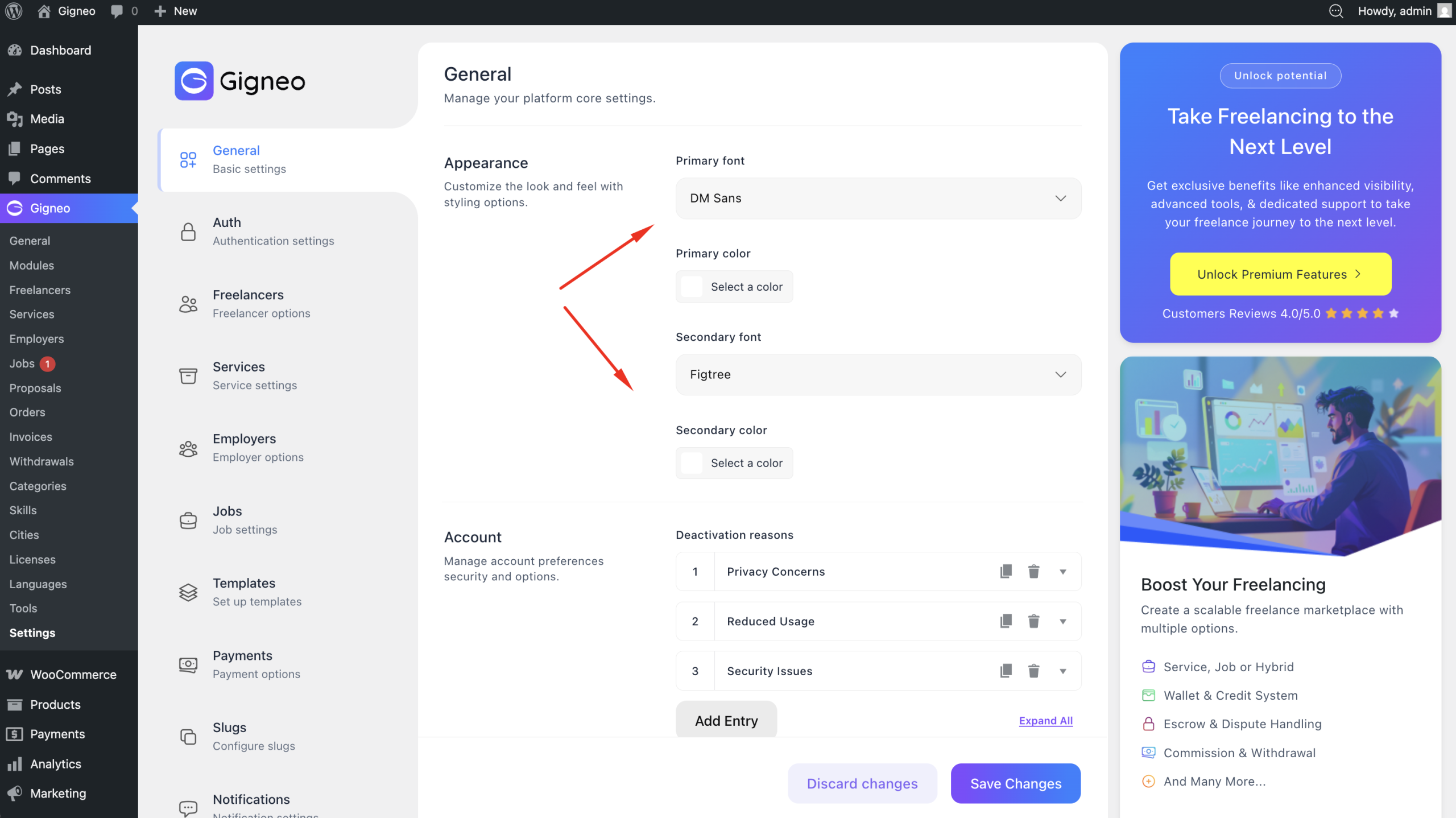
Depending on your installed modules, additional customization options may also be available.
Detailed Documentation
For complete information about Gigneo appearance settings and how to configure them, refer to the official Gigneo documentation.