
The Banner section allows you to customize the banner area displayed on your WorkPress pages.
Go to Appearance → Customize → Banner
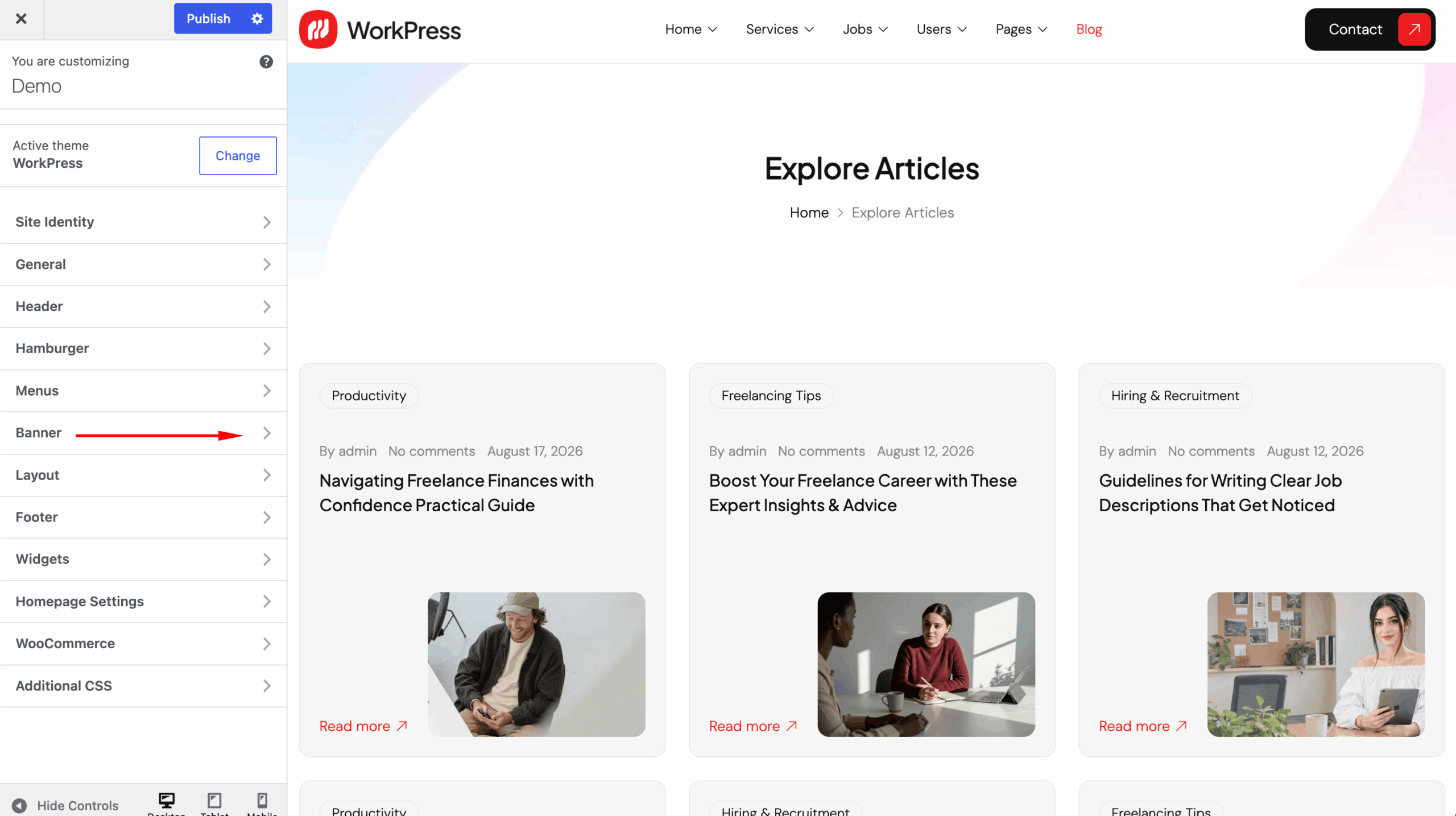
You can configure:
- Layout — Customize the banner layout and appearance.
- Title — Control how the page title is displayed.
- Breadcrumb — Enable and customize breadcrumb navigation.
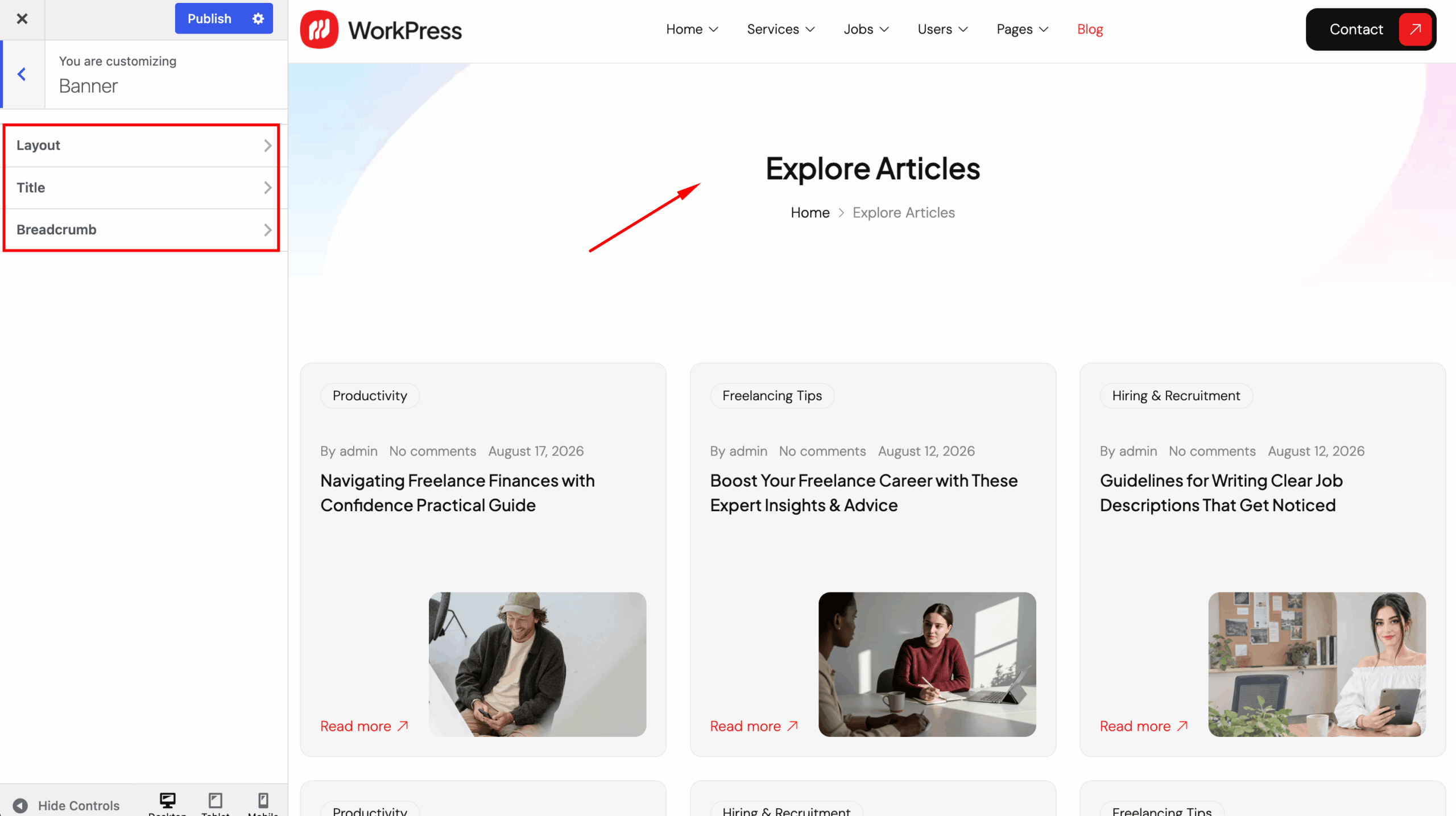
Use the live Customizer preview to review your changes.
After completing your settings, click Publish to save the changes.